Real-time data streaming is no longer a luxury - it's a necessity for businesses tracking customer behavior, IoT data, or syncing analytics. But building these pipelines can be complex and resource-intensive. Low-code platforms simplify this by offering visual tools, pre-built connectors, and automated maintenance, cutting development time by up to 90%.
This article reviews six platforms that make real-time data streaming easier:
- Integrate.io: Fixed pricing, 200+ connectors, ideal for regulated industries.
- Fivetran: Usage-based, 700+ connectors, great for SaaS-heavy setups.
- Hevo Data: Tiered pricing, simple interface, supports 150+ sources.
- Confluent Cloud Stream Designer: Kafka-based, flexible for engineering teams.
- Google Cloud Datastream: Serverless, integrates with BigQuery.
- AWS AppFlow + Kinesis Data Firehose: No-code SaaS-to-AWS pipelines.
Each platform has its strengths and limitations, from pricing models to technical requirements. Choosing the right one depends on your team's expertise, data volume, and cloud ecosystem.
Quick Comparison
| Platform | Pricing Model | Best For | Strength | Limitation |
|---|---|---|---|---|
| Integrate.io | Fixed Fee | Regulated industries | Governance, unlimited pipelines | High cost for small businesses |
| Fivetran | Usage-based (MAR) | SaaS-heavy setups | 700+ connectors, automation | Costs rise with data volume |
| Hevo Data | Tiered Usage | Digital-native teams | Simple setup, schema management | Limited governance features |
| Confluent Cloud Stream Designer | Consumption-based | Engineering teams | Kafka ecosystem integration | Requires Kafka expertise |
| Google Cloud Datastream | Pay-as-you-go | Google Cloud users | Serverless BigQuery integration | Limited to GCP ecosystem |
| AWS AppFlow + Firehose | Usage-based | AWS workflows | Easy SaaS-to-AWS setup | Shallow event processing capabilities |
Each option caters to specific needs and technical setups. For more details on features, pricing, and integrations, read on.

Low-Code Real-Time Data Streaming Platforms Comparison: Features, Pricing & Best Use Cases
Build Low-code Stream Data Pipelines with Pulsar Transformations
sbb-itb-33eb356
1. Integrate.io

Integrate.io is a robust data integration platform designed for ETL, ELT, CDC, and Reverse ETL processes. Its proprietary low-code interface caters to both analysts and engineers, offering real-time capabilities with approximately 60-second replication latency. Additionally, its event-driven webhooks enable instant data updates when changes occur in systems like Shopify or Stripe.
Features
Integrate.io's visual transformation engine simplifies workflows with over 200 drag-and-drop components for tasks like joins, filters, and aggregations, significantly reducing the need for custom coding. For webhooks, the platform employs an "ACK fast, process async" approach, acknowledging requests within 5–10 seconds and processing data asynchronously to avoid delivery failures.
The platform ensures reliability during peak periods (8–12%) with features like retries, exponential backoff, dead-letter queues, and idempotency to handle duplicate events. It supports bidirectional data flow, enabling teams to both ingest data into warehouses and push insights back into operational SaaS tools. For developers, the toolkit offers unlimited REST API creation without restrictions on calls or data transfers, whether deployed in the cloud, on-premises, or through hybrid setups.
"In the first eight months of using Integrate.io, we increased our inbound ticket inquiry conversions by 15%." – Ben Nickerson, Senior Manager of CRM
Pricing
Integrate.io offers a fixed-fee pricing model at $1,999 per month, covering unlimited data volumes, pipelines, and connectors. This structure can lead to cost savings of 34–71% compared to usage-based platforms. For organizations needing additional processing power, extra cluster resources are available for $1,000 per cluster per month. A 14-day free trial is also available for testing the platform.
Integrations
With over 200 pre-built connectors, Integrate.io integrates seamlessly with a wide range of SaaS applications like Salesforce and HubSpot, databases such as Snowflake, BigQuery, and Redshift, and various cloud services. Its Universal REST API connector instantly generates secure REST APIs for more than 20 database types. By using a webhook-first sync strategy, the platform reduces unnecessary API requests by over 98%, cutting down from 2,000 requests per second to just 30 events per second.
Pros and Cons
| Advantages | Disadvantages |
|---|---|
| Fixed-fee pricing eliminates surprise costs | May not be ideal for small businesses with limited data needs |
| 220+ visual transformations minimize coding | Handling single operations with tens of millions of records may affect performance |
| Near real-time replication with ~60-second CDC latency | Not designed for sub-100ms streaming like specialized platforms |
| Compliant with SOC 2 Type II, GDPR, HIPAA, and CCPA standards | Enterprise plan required for the most frequent scheduling (every 5 minutes) |
| High-quality support with a 9.2/10 rating and white-glove onboarding | – |
Next, we’ll take a closer look at how Fivetran handles real-time streaming.
2. Fivetran

Fivetran is an ELT platform designed to handle large-scale data replication efficiently. It connects to over 700 sources, processes an impressive 10.1 trillion rows monthly, and manages 22.2 million schema changes automatically. This makes it a reliable solution for teams seeking a hands-off approach to data streaming.
Features
Fivetran's Change Data Capture (CDC) technology supports database replication in near real-time, with sync intervals as short as one minute for Enterprise and Business Critical plans. For event-based streaming, it offers specialized connectors for tools like Apache Kafka, Amazon Kinesis Firehose, Azure Event Hubs, and webhooks. Its idempotent pipelines ensure that data integrity is maintained even during restarts by updating cursors only after successful writes. Additionally, it reduces warehouse compute costs by deduplicating data changes on its servers before loading.
"When we introduced Fivetran to our facilities' data processing, it revolutionized the flow, and we were able to achieve near real-time data from all 16 sites at the same time." – Vishal Shah, Data Architect Manager, Pitney Bowes [19,30]
For unique data sources not covered by its extensive connector library, developers can use Fivetran's Python-based SDK to create custom connectors in about four hours [22,25].
Pricing
Fivetran uses a usage-based pricing model focused on Monthly Active Rows (MAR), which counts only unique rows that are inserted or updated. Historical syncs and unchanged rows during re-syncs are free, making it cost-effective for large migrations. Here’s a breakdown of its plans:
| Plan | Sync Frequency | Key Features | Starting Price |
|---|---|---|---|
| Free | 15 minutes | Up to 500,000 MAR, core connectors | $0 |
| Standard | 15 minutes | Unlimited users, REST API access | Usage-based |
| Enterprise | 1 minute | High-volume agents, Oracle/SAP support | Usage-based |
| Business Critical | 1 minute | PCI DSS Level 1, HIPAA, private networking | Usage-based |
Annual contracts start at $12,000 and come with discounts ranging from 5% to over 22%, depending on the plan and total spend. Pay-as-you-go options include a $5 base charge for connections handling between 1 and 1 million MAR [28,31].
Integrations
Fivetran boasts 99.9% uptime for its connectors and can handle historical sync speeds exceeding 500 GB/hr [23,24]. It integrates seamlessly with major cloud data warehouses such as Snowflake, Databricks, Google BigQuery, Amazon Redshift, and Azure Synapse. Additionally, it connects with SaaS platforms like Salesforce, HubSpot, and NetSuite [23,30]. Beyond ingestion, Fivetran supports Reverse ETL (called Activations), pushing enriched data back into operational tools. It also works with dbt for SQL-based transformations and offers "Quickstart" data models to prepare data for analysis immediately after loading [20,24].
These integrations provide comprehensive coverage and ensure data is ready for analysis as soon as it's ingested.
Pros and Cons
| Advantages | Disadvantages |
|---|---|
| 700+ managed connectors with automatic updates [28,30] | Real-time streaming available only on higher-tier plans |
| Handles 22.2 million schema changes monthly without manual effort | Usage-based pricing can become costly for high-volume users |
| 1-minute sync frequency for near real-time data | Annual contracts require a $12,000 minimum spend [28,31] |
| 99.9% uptime and fast historical sync speeds (500 GB/hr) [23,24] | Free plan limited to 500,000 MAR and 15-minute sync intervals |
| Idempotent pipelines ensure data reliability during failures | – |
Next, we'll look at how Hevo Data offers a low-code platform for real-time data streaming.
3. Hevo Data
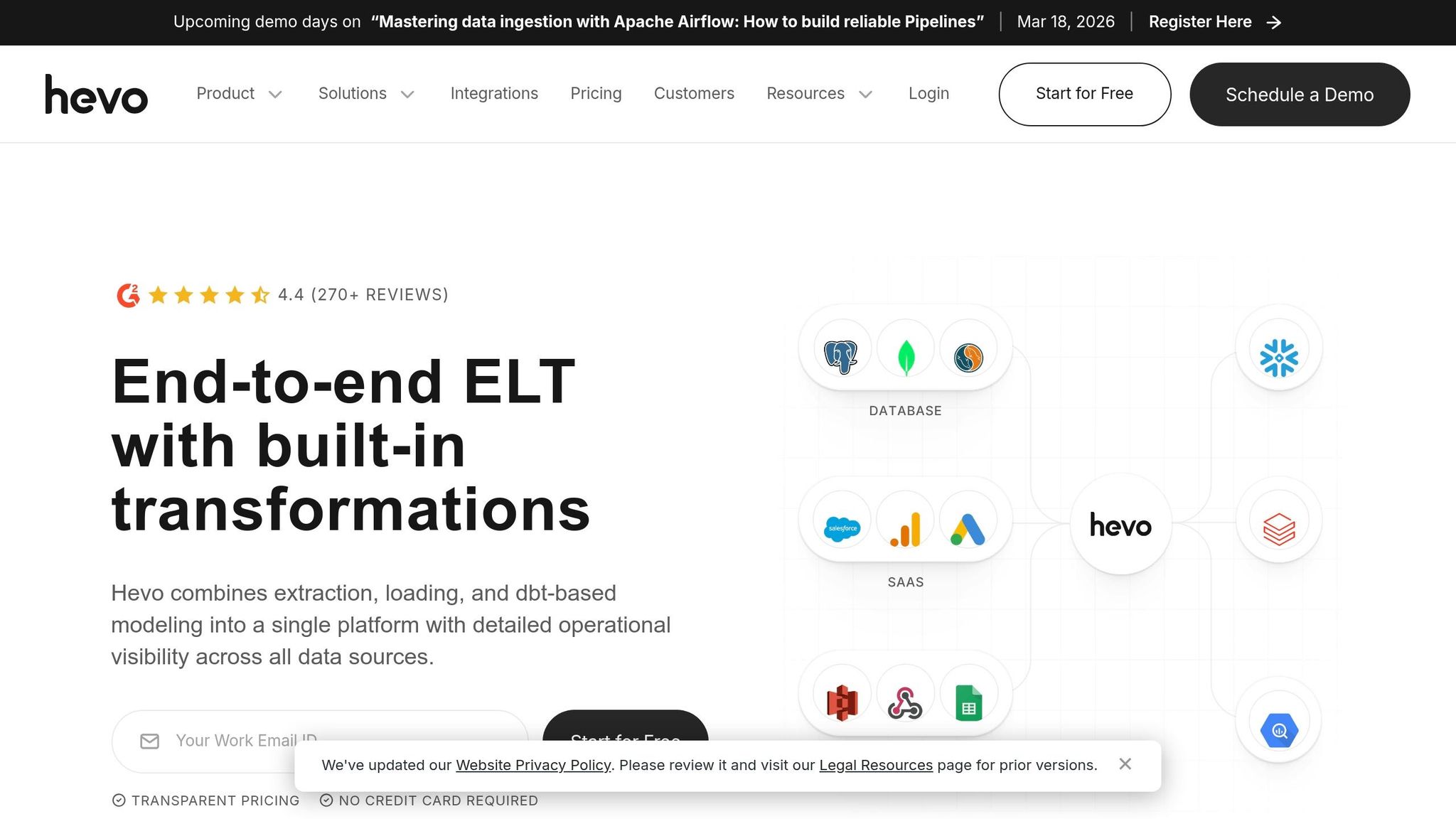
Hevo Data is a no-code ELT platform designed for high data throughput and automated schema management. It processes over 1PB of data monthly and handles 2.5 billion daily events. The platform connects to more than 150 sources, including databases like PostgreSQL and MySQL, SaaS tools such as Salesforce and HubSpot, and streaming services like Kafka and webhooks. Its Change Data Capture (CDC) technology ensures high-speed replication with minimal impact on source systems.
Features
Hevo’s Streaming Pipelines, available on Professional and Business Critical plans, offer near real-time insights. The platform automatically detects schema drift, reducing the risk of pipeline disruptions. Users can clean and transform data using built-in Python scripting, drag-and-drop tools, or integrate with dbt Core™ to manage transformations directly in their data warehouse.
"Hevo solved one of my core needs - getting complex data transformations done on the fly with ease. Quick integrations with complete flexibility and control makes Hevo a perfect complement to our data engineering team." – Swati Singhi, Lead Engineer
Another standout feature is free historical data loads, meaning businesses only pay for ongoing changes rather than initial backfills. Hevo also maintains over 99% data accuracy and sends real-time alerts via Slack or email for latency issues or schema changes.
Pricing
Hevo employs event-based billing, where an "event" refers to any record inserted, updated, or deleted in the destination. This pricing model emphasizes cost transparency, with annual capacity commitments offering savings of up to 50%. Customers have reported a 75% reduction in Total Cost of Ownership (TCO).
| Plan | Price | Events Included | Sync Frequency | Key Features |
|---|---|---|---|---|
| Free | $0 | 1 million | 1 hour | Limited connectors, 5 users |
| Starter | $239/month | 5 million+ | 1 hour | 150+ connectors, 24/7 live chat |
| Professional | $679/month | 20 million+ | Streaming (real-time) | Unlimited users, Reverse SSH |
| Business Critical | Custom | Custom | Streaming (real-time) | VPC Peering, SSO, RBAC |
Additional usage is billed at on-demand rates, and Hevo’s unified cost dashboard helps users monitor expenses and avoid surprises. For those using GCP Marketplace, consumption-based pricing ranges from $1 to $2 per credit.
Integrations
Hevo integrates seamlessly with leading cloud data warehouses like Snowflake, Google BigQuery, Amazon Redshift, and Azure Synapse. It also supports databases such as Oracle and SQL Server, cloud storage platforms like S3 and GCS, and streaming tools like Kafka and webhooks. For unique use cases, users can create custom connectors through an interface designed for REST APIs.
For instance, ThoughtSpot achieved 100% uptime and reduced platform costs by 85%. Postman connected more than 40 sources, saving 40 hours of manual work each month, and Deliverr doubled its data volume while saving over 80 hours monthly.
"Hevo delivered zero downtime and unmatched reliability, cut infrastructure costs by 85 percent and ETL spend by 50 percent, while boosting data usage by 30–35 percent." – Ramkumar Natarajan, Senior Manager, Data Operations
These robust integrations and flexible connector options highlight Hevo’s versatility as we transition to reviewing Confluent Cloud Stream Designer.
Pros and Cons
| Advantages | Disadvantages |
|---|---|
| Processes over 1PB monthly with high accuracy | Real-time streaming limited to higher-tier plans |
| Free historical data loads lower initial costs | Free plan supports only a few connectors |
| Costs up to 50% less than competitors | No native support for on-premise deployment |
| Automatic schema drift management | On-demand rates for additional usage |
| 24/7 live chat support with strong user reviews | Less flexible than some open-source tools |
Next, let’s explore how Confluent Cloud Stream Designer simplifies real-time data pipeline development with its visual interface.
4. Confluent Cloud Stream Designer
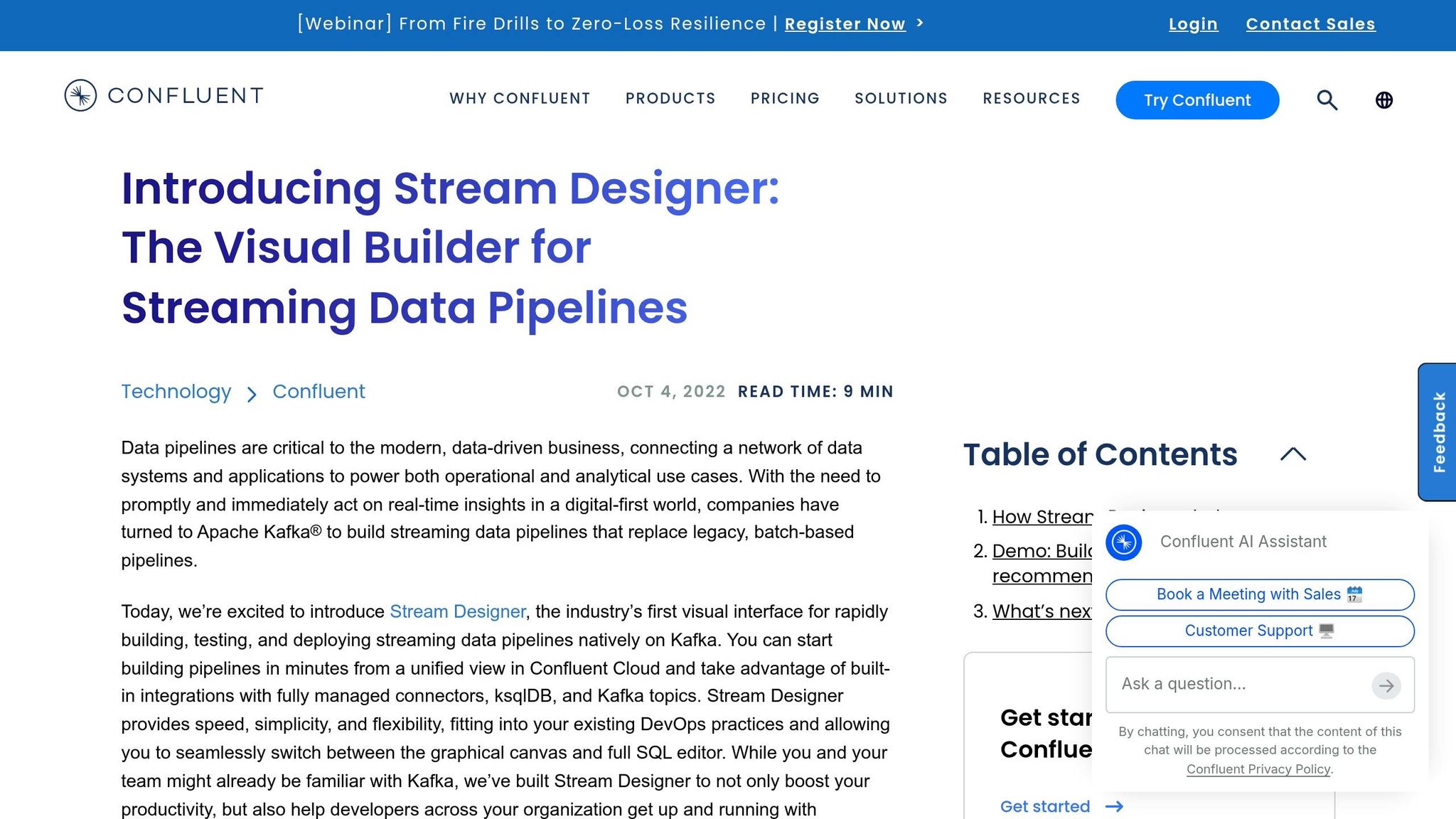
With real-time data streaming becoming essential for modern businesses, Confluent Cloud Stream Designer introduces a low-code, visual interface for building real-time data pipelines directly on Apache Kafka. Unlike solutions that rely on proprietary runtime engines, this tool translates visual pipeline designs into ksqlDB (SQL) code. This ensures that Kafka’s performance and scalability remain intact.
Features
Stream Designer offers a visual canvas where developers can create, test, and deploy streaming pipelines using an intuitive point-and-click interface. Tasks like filtering, joining, and aggregating data are simplified with drag-and-drop blocks, eliminating repetitive coding. A key feature is its bi-directional editing: any changes made in the visual interface are mirrored in the SQL editor, and vice versa, giving developers flexibility.
The platform also boasts access to over 70 fully managed connectors and integrates seamlessly with a library of 120+ pre-built Kafka connectors. These connectors enable smooth integration with databases, SaaS platforms, and data lakes. Collaboration is another highlight - multiple users can edit the same pipeline in real time. Built-in governance tools, such as integration with Confluent’s Schema Registry for data validation and role-based access control (RBAC), ensure security and compliance.
"Stream Designer's low-code, visual interface will enable more developers, across our entire organization, to leverage data in motion." – Enes Hoxha, Enterprise Architect, Raiffeisen Bank International
Raiffeisen Bank International adopted Stream Designer in October 2022 across its operations in 12 countries. This implementation simplified pipeline development and troubleshooting, leading to increased productivity.
Pricing
Confluent Cloud offers $400 in free credits for new developers during their first 30 days. The platform operates on a pay-as-you-go model, with costs determined by throughput, storage, and the chosen cluster tier. Pricing tiers include:
- Basic: Free for small-scale testing.
- Standard: Around $385/month, offering a 99.99% uptime SLA.
- Enterprise: Around $895/month, with private networking and autoscaling for larger workloads.
- Freight: Around $2,300/month, designed for high-volume logging and AI/ML data ingestion.
Developers committing to annual plans can benefit from discounts on clusters, connectors, and governance tools.
Integrations
Stream Designer integrates seamlessly with Confluent’s ecosystem of Kafka connectors, supporting popular databases like MS SQL Server and PostgreSQL, SaaS platforms, and data lakes. Pipelines can be exported as SQL source code, allowing integration into existing CI/CD workflows. Additionally, management is possible through the Confluent CLI or Pipelines REST API. The platform also supports Single Message Transforms (SMTs), enabling on-the-fly data transformations - such as field masking - directly within connector configurations.
These integration capabilities make it easier to streamline real-time data workflows across various systems.
Pros and Cons
| Advantages | Disadvantages |
|---|---|
| Native Kafka integration without proprietary runtime | Requires data hosted in Confluent Cloud Kafka topics |
| 99.99% uptime SLA for multi-AZ clusters | Limited to the Confluent Cloud ecosystem |
| Bi-directional editing between visual and SQL interfaces | |
| Live multi-user collaboration on pipelines | |
| Reduces TCO of self-managed Kafka by up to 60% |
Next, we’ll take a closer look at how Google Cloud Datastream, paired with Dataflow Templates, offers serverless real-time data replication and transformation capabilities.
5. Google Cloud Datastream with Dataflow Templates
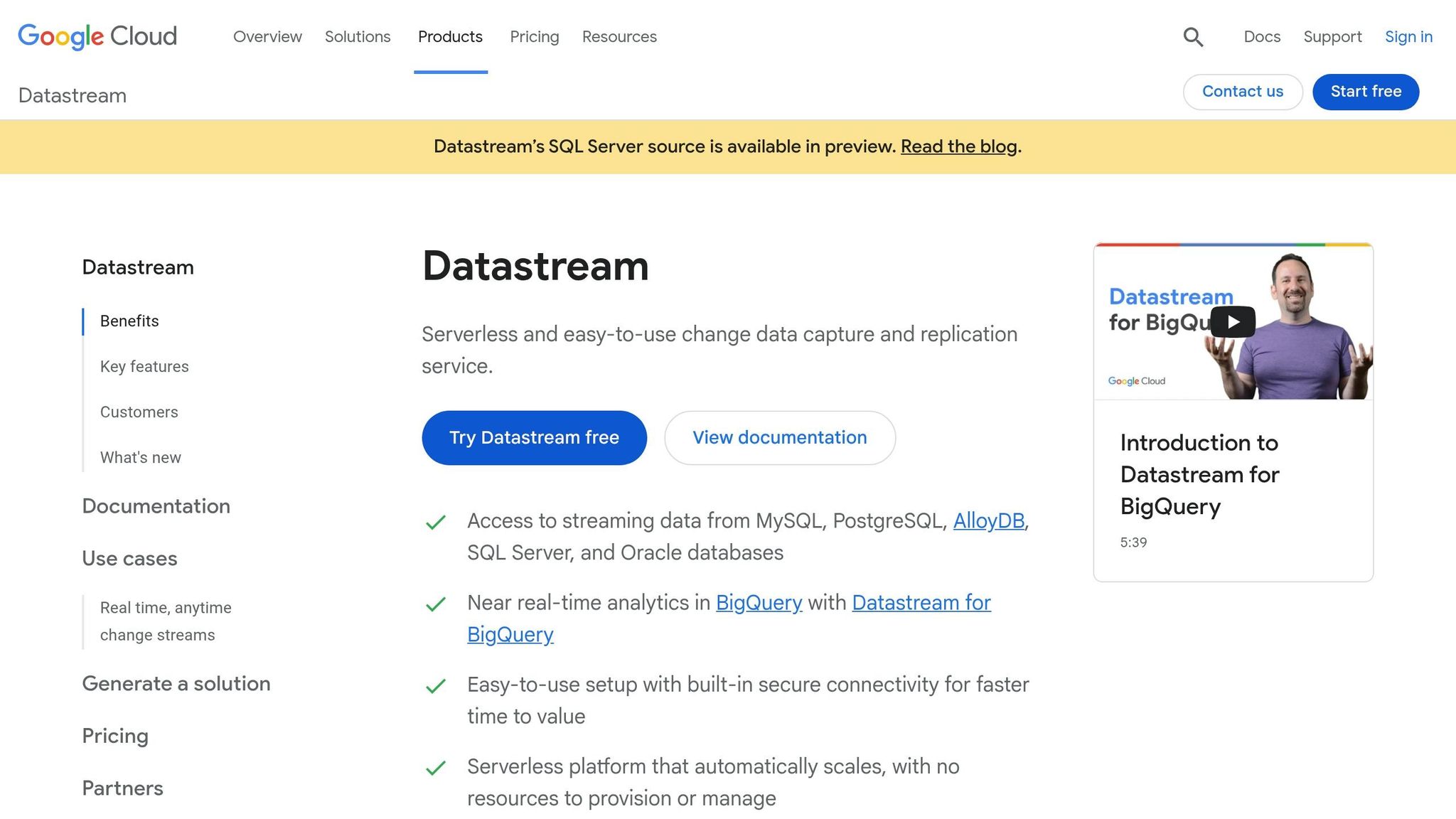
Google Cloud combines Datastream for serverless change data capture (CDC) with Dataflow Templates for data processing. This combination eliminates the hassle of managing infrastructure while enabling low-latency data replication across different databases. The process involves multiple services working together: Datastream captures changes, Cloud Storage temporarily holds the data, and Dataflow moves it to destinations like BigQuery.
Features
Datastream captures real-time database changes from sources such as Oracle, MySQL, SQL Server, PostgreSQL, MongoDB, and Salesforce. These changes are streamed to Cloud Storage in formats like Avro or JSON. Pre-built templates simplify tasks - like the Datastream to BigQuery template, which can automatically create tables and update columns as your source schema evolves.
Dataflow adjusts resources dynamically, scaling up to 4,000 workers per job depending on demand. It supports both exactly-once and at-least-once processing. For Datastream-to-BigQuery pipelines, at-least-once mode is recommended since the template includes built-in de-duplication during the BigQuery merge process, reducing both costs and latency. Built on Apache Beam, Dataflow supports both batch and streaming data, making it adaptable to various environments.
"Dataflow is helping both our batch process and real-time data processing, thereby ensuring timeliness of data is maintained in the enterprise data lake. This in turn helps downstream usage of data for analytics/decisioning and delivery of real-time notifications for our retail customers." – Namitha Vijaya Kumar, Product Owner, Google Cloud SRE, ANZ Bank
Security features include CMEK, VPC Service Controls, and audit logging. Private connectivity options like VPC peering, VPN, or Interconnect ensure secure communication between on-premises or cloud sources.
Pricing
New users get $300 in free credits to explore Dataflow. Afterward, pricing is based on usage:
- Datastream: Billed per gigabyte of data processed.
- Dataflow: Charges depend on worker CPU, memory, Streaming Engine Compute Units, and data volume.
- Additional costs: May include Cloud Storage (for staging), Pub/Sub (for notifications), and BigQuery (for storage and queries).
Committed Use Discounts (CUDs) can lower costs by 20% for one-year commitments or 40% for three-year commitments. Google claims Dataflow can cut expenses by up to 63% compared to self-managed alternatives.
Integrations
Datastream integrates with various databases, including Oracle, MySQL, SQL Server, PostgreSQL, AlloyDB, MongoDB, and Spanner. It also supports SaaS sources like Salesforce. Data can be loaded into Google Cloud destinations such as BigQuery, Cloud SQL, Spanner, Bigtable, and Vertex AI. Additionally, third-party tools like Splunk, Datadog, Elasticsearch, and MongoDB are supported.
The Datastream to BigQuery template currently supports MySQL and Oracle but does not yet include PostgreSQL or SQL Server. For SQL-based destinations, the template doesn’t handle DDL changes, meaning you’ll need to manually create tables in the target database. Custom transformations can be implemented using JavaScript or Python-based User-Defined Functions (UDFs) within Dataflow.
Pros and Cons
| Advantages | Disadvantages |
|---|---|
| Serverless design with automatic scaling | Involves coordination of multiple Google Cloud services |
| Handles massive data loads with up to 4,000 workers | Limited SaaS connectors compared to dedicated platforms |
| Automatically updates schemas for BigQuery | Some templates have source limitations (e.g., PostgreSQL to BigQuery) |
| Portability through Apache Beam for other runners like Flink or Spark | SQL destination templates don’t support DDL changes |
| Strong security with CMEK and VPC Service Controls | Requires source tables to have primary keys for replication |
Next, we’ll look at how AWS pairs AppFlow with Kinesis Data Firehose to offer a fully managed real-time data ingestion solution.
6. AWS AppFlow + Kinesis Data Firehose

AWS combines Amazon AppFlow with Amazon Data Firehose (formerly Kinesis Data Firehose) to streamline real-time data streaming. AppFlow is a managed service that facilitates secure, no-code data transfers between SaaS applications like Salesforce, Slack, and Zendesk and AWS services. Meanwhile, Data Firehose acts as a high-capacity pipeline, capturing, transforming, and delivering vast amounts of streaming data to destinations such as Amazon S3, Redshift, OpenSearch, and Snowflake.
This duo works in tandem: AppFlow manages connectivity and data extraction from SaaS platforms using event-based triggers. For instance, Salesforce Change Data Capture can trigger a flow when a ticket status changes. Data Firehose then takes over, offering streaming ETL capabilities like JSON-to-Parquet conversion and dynamic partitioning before storing the data. This integration eliminates the need for custom API coding while enabling fast data processing.
"Amazon Kinesis Firehose was purpose-built to make it even easier for you to load streaming data into AWS." – Jeff Barr, Chief Evangelist, AWS
Features
- Scalability and Connectors: AppFlow supports data transfers up to 100 GB per flow and includes a library of over 50 SaaS connectors. Event-based triggers ensure flows activate as soon as business events occur, and built-in tools handle tasks like field mapping, data masking, merging, and validation.
- High-Throughput Streaming: Data Firehose processes up to 2,000 transactions, 5,000 records, or 5 MB per second. It can invoke AWS Lambda for custom data preparation and convert formats to Apache Parquet or ORC, improving storage and query efficiency. Additionally, it buffers data for up to 900 seconds or until 128 MB is reached before delivery and replicates data across three facilities in an AWS Region for reliability.
- Security: Both services prioritize security. AppFlow integrates with AWS PrivateLink, ensuring data transfers between SaaS platforms and AWS stay off the public internet. Both services also support encryption in transit and at rest, with AppFlow offering AWS KMS integration for custom key management.
Pricing
- Amazon AppFlow: Uses a pay-as-you-go pricing model, charging $0.001 per successful flow run and $0.02 per GB of processed data. Scheduled flows checking for updates are billed, even if no new data is found.
- Amazon Data Firehose: Pricing is based on data volume. Ingestion costs start at $0.029 per GB for the first 500 TB per month in the US-East region. Record sizes are billed in 5 KB increments (e.g., a 3 KB record is rounded up to 5 KB). Additional features, such as format conversion ($0.018 per GB) and dynamic partitioning ($0.02 per GB plus $0.005 per 1,000 S3 objects), incur extra charges. Costs for related AWS services like S3, KMS, and Lambda may also apply.
Integrations
- Amazon AppFlow: Connects to platforms like Salesforce, SAP, Google Analytics, Slack, Marketo, Zendesk, and ServiceNow, along with Amazon S3. Data can be sent to destinations such as Amazon Redshift, Snowflake, and Amazon Lookout for Metrics. Developers can also use the AppFlow Custom Connector SDK (available in Python and Java) to create integrations for private APIs or on-premise systems.
- Amazon Data Firehose: Accepts data from sources like Kinesis Data Streams, Amazon MSK, CloudWatch Logs, AWS IoT, and EventBridge, delivering to destinations such as Amazon S3, Redshift, OpenSearch, Snowflake, Splunk, and MongoDB. It also supports exactly-once delivery when loading data into Snowflake.
Pros and Cons
| Advantages | Disadvantages |
|---|---|
| No-code integration with 50+ SaaS connectors | Record size limited to 1,000 KB for Data Firehose |
| Event-based triggers enable real-time data flows | AppFlow billed for empty scheduled runs |
| Supports format conversion to Parquet/ORC | Requires coordination of multiple AWS services |
| PrivateLink ensures data stays off the public internet | Data Firehose record rounding increases costs for smaller records |
| AppFlow scales up to 100 GB per flow | Additional costs for related AWS services like S3, Lambda, and KMS |
| Data Firehose retries S3 delivery for up to 24 hours |
Next, we’ll explore the strengths and weaknesses of using low-code platforms for real-time data streaming across these solutions.
Advantages and Disadvantages
Selecting the best low-code platform for real-time data streaming boils down to your team's technical expertise, budget, and infrastructure preferences. Here's a breakdown of key platforms, highlighting their pricing models, target audiences, strengths, and limitations.
Integrate.io is a strong choice for organizations in regulated industries due to its emphasis on governance and data quality. However, its fixed-fee pricing might be a hurdle for smaller businesses. Fivetran, on the other hand, shines with its extensive catalog of managed connectors and automated schema handling, making it perfect for quick SaaS onboarding - though costs can climb as data volumes grow.
For digital-native teams, Hevo Data offers a straightforward interface and easy setup but lacks some advanced governance features. Confluent Cloud Stream Designer is a great fit for engineering-focused teams familiar with Kafka, offering a robust event backbone, though it requires significant technical knowledge. Google Cloud Datastream provides serverless convenience and seamless BigQuery integration, making it ideal for teams already using Google Cloud. Meanwhile, AWS AppFlow paired with Kinesis Data Firehose delivers an easy SaaS-to-AWS ingestion process but falls short in event processing depth compared to platforms with stateful transformation capabilities.
Here’s a quick comparison of these platforms:
| Platform | Pricing Model | Best For | Main Strength | Limitation |
|---|---|---|---|---|
| Integrate.io | Fixed Fee | Regulated industries with high data volumes | Governance and data quality controls | High cost for small businesses |
| Fivetran | Usage-based (MAR) | Fast SaaS onboarding | Over 160 managed connectors | Costs grow with data volume |
| Hevo Data | Tiered Usage | Digital-native teams | Simple UI and setup | Limited governance features |
| Confluent Cloud Stream Designer | Consumption-based | Engineering-led teams | Comprehensive Kafka ecosystem | Requires Kafka expertise |
| Google Datastream | Pay-as-you-go | Teams on Google Cloud | Serverless BigQuery integration | Best suited for GCP users |
| AWS AppFlow + Firehose | Usage-based | AWS workflows | Easy SaaS-to-AWS setup | Shallow event processing capabilities |
These comparisons can help you match the right platform to your team's specific needs and technical goals. If you’re looking for cloud-agnostic options, check out the Low Code Platforms Directory for additional recommendations.
Conclusion
Selecting a low-code platform comes down to finding the right fit for your ecosystem, data volume, and team expertise. Each platform has its strengths, making it suitable for specific use cases. If you're already committed to a particular cloud provider, it makes sense to stick with its native offerings - like Google Cloud Datastream with Dataflow Templates for Google Cloud analytics, AWS AppFlow with Kinesis Data Firehose for S3 and Redshift pipelines, or Azure Stream Analytics for Microsoft-focused environments. Organizations using Kafka for event streaming will find Confluent Cloud Stream Designer a natural choice, while SaaS-heavy setups can leverage Fivetran's extensive managed connectors catalog.
The skill set of your team also plays a key role. For analysts who prefer visual tools and minimal coding, platforms like Integrate.io or Hevo Data provide intuitive drag-and-drop interfaces without compromising on governance.
Data volume and latency requirements are another crucial factor. For massive-scale operations - handling over 10 million events per second - specialized platforms designed for high-speed processing and sub-5ms latency are essential. Felix Kraemer, Head of Data & Analytics at H-Hotels.com, shared his experience:
"layline.io's reactive engine transformed how we process hotel bookings and guest data across 60+ properties. Real-time insights that were impossible before - now running 24/7 with zero downtime".
For those managing hybrid environments or needing functionality beyond the platforms covered here, the Low Code Platforms Directory is an excellent resource. It offers a filtering system to help identify tools that align with your architectural needs, industry standards, and technical constraints. For those integrating distributed ledgers, following a low-code blockchain security checklist is vital to protect data integrity. The right platform should complement your infrastructure, fit your budget, and match your team's skills - delivering results without adding unnecessary complexity.
FAQs
How real-time is “real-time” on these platforms?
Real-time on these platforms means handling and streaming data with extremely low delay - often just milliseconds to seconds. This quick processing enables instant insights and actions. For example, some platforms support smooth, low-latency data pipelines or deliver real-time analytics to manage massive data flows efficiently.
Which pricing model is cheapest at my data volume?
When it comes to pricing, the most affordable option depends on how you plan to use the platform. Meroxa’s free Conduit OSS plan is a great choice for smaller projects, offering unlimited apps, a single user, and 100 MB of data per month. Similarly, Crosser’s free plan also provides up to 100 MB of data monthly.
If you need to handle larger data volumes, Meroxa’s paid plans start at $1,000 per month and can manage millions of events. Ultimately, costs will depend on the platform you choose and your specific data requirements.
Do I need Kafka or cloud-specific skills to use them?
Low-code platforms for real-time data streaming are surprisingly accessible, even if you don't have expertise in tools like Kafka or cloud-specific technologies. These platforms often feature intuitive drag-and-drop interfaces and come equipped with prebuilt connectors, so you can get started without diving deep into technical complexities. While some offer advanced capabilities like event-driven integrations or multi-cloud setups, they’re built to ensure ease of use. This makes real-time data streaming approachable for users across various skill levels.